Vanity Show
I've been reading a lot of makeup blogs recently and for some reason it inspired me to write this post. So I'm going to share where I put my face on...
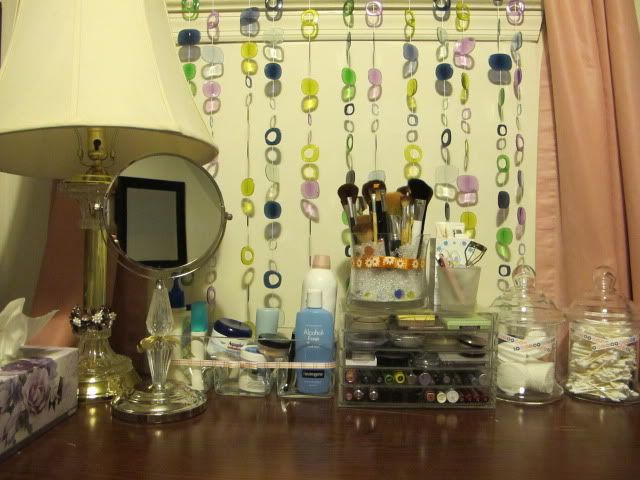 Really basic set-up here - a box of Kleenex, a lamp, double-sided magnifying mirror, makeup and things to take them off, beauty tools like brushes and whatnot...
  My makeup collection seems so dismal compared to other girls out there, especially these beauty gurus on YouTube. But it's more than what I need actually. I also religiously get rid of a lot of makeup quite frequently and replenish my favorites. I throw away powders/minerals every year and anything cream or liquid every six months so bacteria don't grow on them.
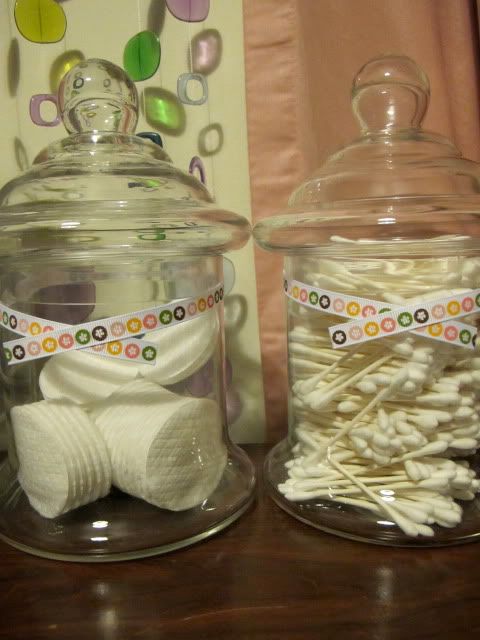 An awesome way to store cotton! It's so convenient - and pretty :)
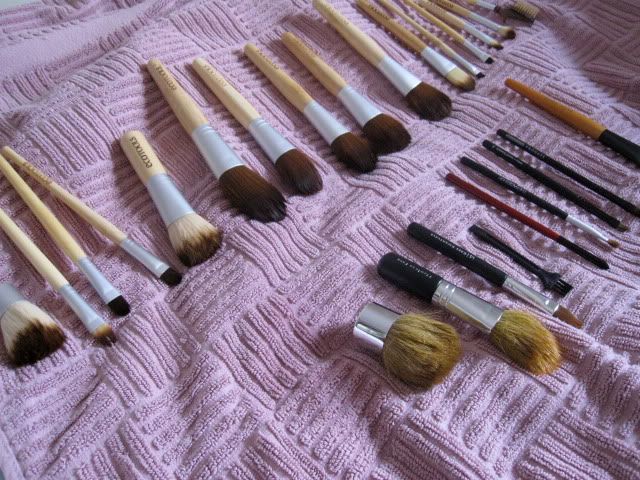
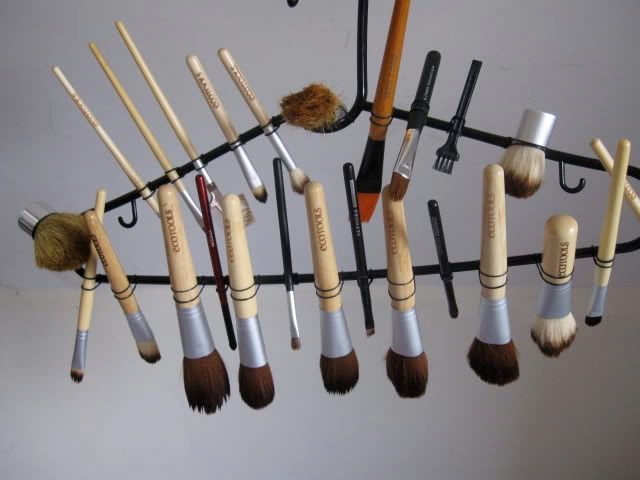
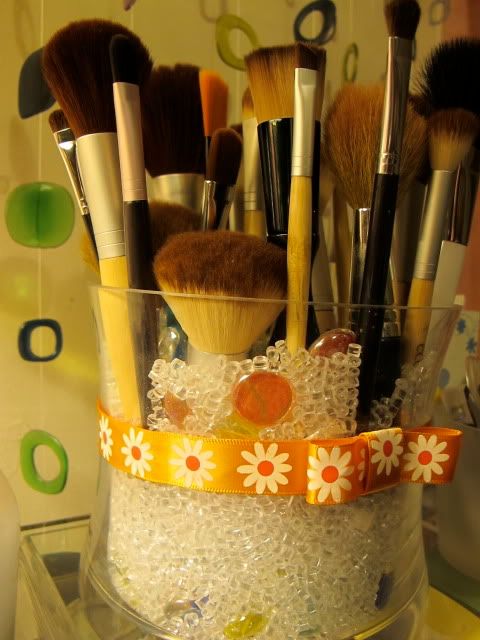 And last but not the least - my Sephora-inspired brush holder. Just a regular wide glass jar (deep enough to sink brushes into), some flower vase fillers and marbles. I also stuck ribbon on double-sided tape for aesthetic purposes.